
Discover the top AI video editors for 2026. We review InVideo AI, Descript, and VidBoard to help you automate your channel growth—plus a hybrid strategy.
⚡ Key Takeaways
- Role of AI: It replaces boring tasks (cuts, captions), not creative direction.
- Top Tools: InVideo (Faceless/Volume), Descript (Talking Heads), VidBoard (Avatars).
- Strategy: Use a "Hybrid Workflow"—AI for the rough draft (80%), Human for the polish (20%).
You’ve heard the noise. "AI is taking over," they say. "Robots will replace creators."
We’ve heard it too. And frankly, we’re tired of the fear-mongering.
The truth about AI video editors in 2026 isn't that they replace you—it's that they replace the boring parts of your job. The hours spent cutting silence. The endless search for B-roll. The tedious captioning.
If you’re still editing manually frame-by-frame for a simple talking head video, you aren't just working hard; you're working in the past.
At FT Creative, we live in editing timelines. We know that the difference between a viral hit and a flopped video often comes down to speed and polish. AI gives you speed. Humans (like us) give you polish. But you need to know how to wield the tools first.
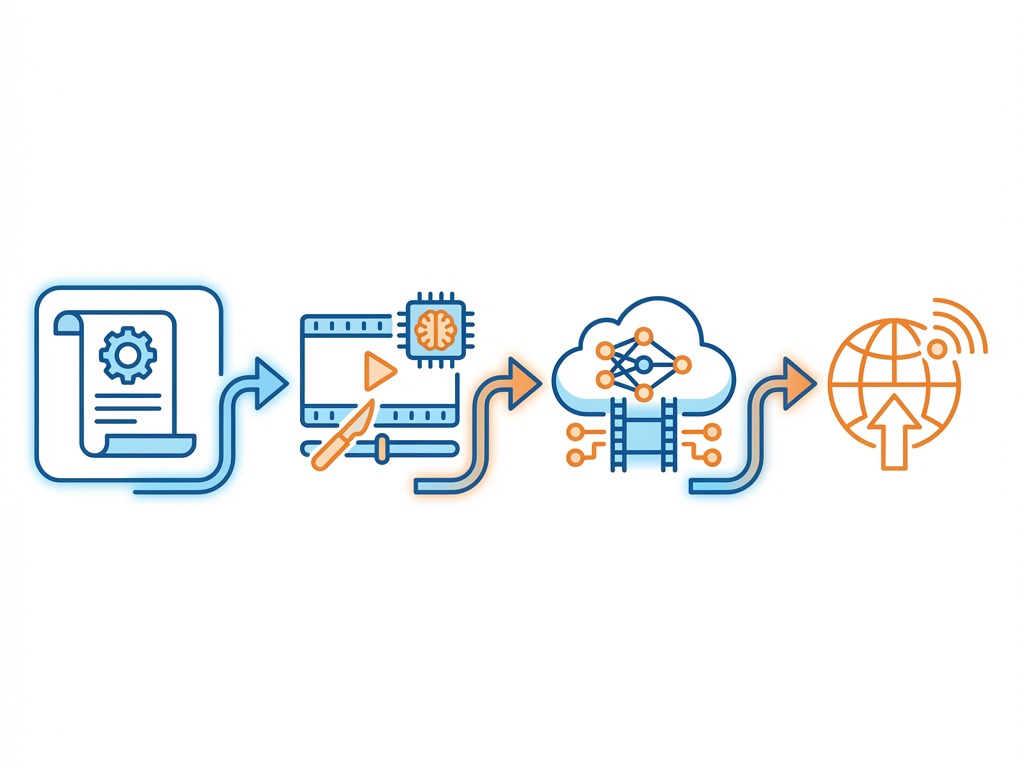
In this deep-dive guide, we’re going to strip away the hype and look at the real contenders for the title of "Best AI Video Editor" in 2026. We’ll cover key features, brutal pros and cons, and exactly how to use them to explode your channel growth.
1. InVideo AI: The Text-to-Video Powerhouse
If you are running a faceless channel or need to churn out content at scale, InVideo AI is often the first name that comes up. It’s not just an editor; it’s a generator. You type a prompt, and it builds a video.
Key Features
InVideo AI essentially acts as a scriptwriter, voiceover artist, and editor in one. You give it a topic—say, "The History of Bitcoin"—and it generates a script, finds relevant stock footage, adds a voiceover, and syncs everything with background music.
- Prompt-to-Video: Turn a single sentence into a structured video.
- Voice Cloning: 2026 updates have made the voices sound frighteningly real, with "rizz" and natural pauses.
- Magic Box Editing: You don't drag clips. You type commands like "Delete the second scene" or "Make the music quieter," and the AI executes it.
Pros
- Speed: You can go from idea to rendered video in under 5 minutes.
- Access to Stock Media: Massive library of iStock and Shutterstock clips integrated directly.
- No Learning Curve: If you can send a text message, you can edit video here.
Cons
- Generic Feel: Unless you heavily customize it, the videos can feel like "commodity content."
- Limited Control: You can't fine-tune specific cuts or transitions as precisely as in Premiere.
- Costly for High Volume: The credit system can get expensive if you are iterating frequently.
Pricing (2026)
- Free: Watermarked, limited generation.
- Plus: $25/month (ideal for emerging creators).
- Max: $58/month (for agencies and power users).
Verdict: Who is this for?
This is for the Faceless Channel Creator or the Solopreneur who needs to post daily without hiring a team. If you need volume, this is your weapon.
2. Descript: The text-Based Non-Linear Editor
Descript changed the game by allowing you to edit video by editing text. In 2026, it has doubled down on AI features that clean up your audio and visuals instantly.
Key Features
Descript transcribes your uploaded footage. You then edit the text transcript—delete a word, and the video clip of you saying that word is deleted. Move a paragraph, and the scene moves.
- Studio Sound: One-click AI audio enhancement that makes iPhone audio sound like a dedicated Shure SM7B mic.
- Eye Contact: AI adjusts your eyeballs to look at the camera, even if you were reading a script.
- Overdub: Type words you didn't say, and the AI generates them in your voice.
Pros
- Workflow workflow: Editing a podcast or talking head video is as fast as editing a Google Doc.
- Filler Word Removal: One click removes all "ums," "uhs," and "likes."
- Collaborative: Cloud-based, so teams can comment and edit together.
Cons
- Export Quality: Sometimes the cuts can feel slightly "jumpy" if not smoothed out manually.
- Resource Heavy: The app can be surprisingly laggy on older machines despite being a "tool."
- Visual Limits: It is not great for complex VFX or multi-layer compositing.
Pricing (2026)
- Creator: $15/month per user.
- Pro: $30/month (includes unlimited Overdub and Studio Sound).
- Enterprise: Custom pricing.
Verdict: Who is this for?
This is for the Podcaster, Educator, or Talking Head Expert. If your content is primarily you speaking to a camera, Descript cuts your editing time by 80%.
3. VidBoard.ai: The Avatar Specialist
VidBoard has carved a niche in 2026 for creating AI avatars that present your content.
Key Features
You choose an avatar (or upload yourself), type a script, and the avatar delivers it with perfect lip-syncing and hand gestures.
- Custom Avatars: Clone yourself so you never have to film again.
- Multilingual: Translate your video into 50+ languages instantly with lip-sync matching.
Pros
- Consistency: Your "presenter" never has a bad hair day or gets sick.
- Global Reach: The translation feature is incredible for expanding to non-English markets.
Cons
- Uncanny Valley: Even in 2026, sometimes the eyes or mouth movements can feel slightly "off."
- Lack of Emotion: It struggles to convey deep empathy or high-energy comedy.
Pricing (2026)
- Starter: $19/month.
- Pro: $49/month.
Verdict: Who is this for?
This is for the Corporate Trainers, News Channels, or Global Marketers who need consistent, clean presentation across multiple languages.
Strategy: How to Actually Grow With These Tools
Tools are just tools. A hammer doesn't build a house; a carpenter does. To master these AI video editors, you need a strategy.
1. The Hybrid Workflow
Don't let AI do 100% of the work. Viewers can smell "low effort" content a mile away. Use AI for the heavy lifting—transcription, rough cuts, B-roll sourcing—but then step in for the final polish. Add your own jokes. Fix the pacing. At FT Creative, we specialize in this high-end polish. If you want to use AI to get 80% there and hire us for the final 20% that makes it viral, check out our Long Form Video Editing Service.
2. Keyword Domination
Use tools like TubeBuddy or VidIQ alongside your editor. Research "Underserved" topics—high search volume, low competition. For example, instead of "How to make money," make a video on "How to save for a house on a $50k salary" (a high-value niche identified in our research). Use your AI editor to rapidly prototype videos for these specific long-tail keywords.
3. Iterate on Formats
With tools like InVideo, you can test three different intro hooks for the same video in minutes. Do an A/B test.
- Hook A: A shocking statistic.
- Hook B: A personal story.
- Hook C: A direct question. Post them as Shorts and see which one wins. Then make the long-form version. Speaking of Shorts, if you need help turning your long content into viral clips, our Short Form Video Editing Service is designed exactly for that.
The "Human" Element: Why You Still Matter
Here’s the catch.
AI democratizes technical skill. Anyone can now make a video with good audio and decent cuts. This means the bar for quality has raised. Good enough is no longer good enough. To win in 2026, you need Personality, Storytelling, and Brand Identity. AI can't replicate your unique perspective. It can't tell the story of how you failed three times before succeeding, with the raw emotion that connects with a viewer.
Use AI to clear the clutter so you can focus on being the Creative Director of your channel.
Need a Partner?
Mastering these tools takes time. If you'd rather focus on filming and let pros handle the editing pixel-by-pixel, that’s what we do. We don't just use AI; we combine the latest tech with senior editors who understand pacing, comedy, and retention.
Check out our Portfolio to see what we can do for your brand. Or, if you’re ready to scale, view our Pricing and get started today.
Master the tool, don't let the tool master you.

FT Creative Team
Experts in scaling YouTube channels, video editing, and viral storytelling.


